Ramadan is not only a spiritual moment but also one of the most anticipated business peak seasons in Pakistan, presenting a huge opportunity for Small and Medium Businesses (SMBs). Messaging is the best way for people and businesses to get business done—from asking and answering questions to discussing products and finalizing a purchase. From changing customer habits and surging pre-iftar orders to heightened demand ahead of Eid-al-Fitr, businesses need to be ready to act fast.
Here are 10 WhatsApp Business features to help SMBs get ready to capitalize on the full potential of Ramadan this year:
1. Build Instant Credibility with a Full Business Profile and updated Ramadan Hours During this busy time, customers need fast reassurance. A complete WhatsApp Business profile with your description, category, address, and contact information instantly establishes credibility, turning curious customers into confident buyers. Crucially, your operating hours may change to accommodate iftar or prayer times, so update your business hours to prevent frustrated customers from messaging during non-operational times and direct them to contact you when you’re available.
2. Never miss an opportunity: Keep Customers Informed with Updated Ramadan Hours Your operating hours may change to accommodate iftar or prayer times. Updating your business hours prevents frustrated customers from messaging during non-operational times and directs them to contact you when you’re available.
3. The Instant Welcome: Acknowledge Every Customer with Automatic Greetings Don’t let high chat volume during peak hours leave customers hanging. An instant greeting message ensures a customer’s message is acknowledged immediately, making customers feel valued even before you have had a chance to reply.
To enable automatic greeting messages, go to the Features tab, select Greeting messages, and turn on Send greetings. In the Message section, edit the greeting text to suit your business needs, then save the changes. SMBs can also choose who receives the greeting by selecting Recipients and setting it to be sent to all customers or specific contacts.
4. From Order Chaos to Calm: Sort Your Surge with Labels The Ramadan order rush can be overwhelming. Use Labels to instantly categorize chats by status (e.g., ‘Paid – Ready for Shipping,’ ‘Eid Hamper Inquiry,’ ‘Iftar Menu’) and add different colors so you can prioritize and manage the increased volume efficiently. Note: Some businesses may now see Lists instead of Labels.
5. Turbo-Charge Your Service: Answer Common Questions in a Flash with Quick Replies Stop typing the same answer repeatedly for FAQs like “What’s the price?” or “How long is delivery?” Create message shortcuts with Quick replies to maintain lightning-fast response times, essential during the Ramadan rush.
6. A Shop Window in Chat: Let Customers Browse Your Ramadan Catalog Display all your Iftar packages, Eid hampers and special bundles directly in the chat. A clear, visual catalog lets customers shop and choose without leaving WhatsApp, leading to faster sales. And keep your products organized with collections so it’s easier for your customers to browse your offerings and find something to buy.
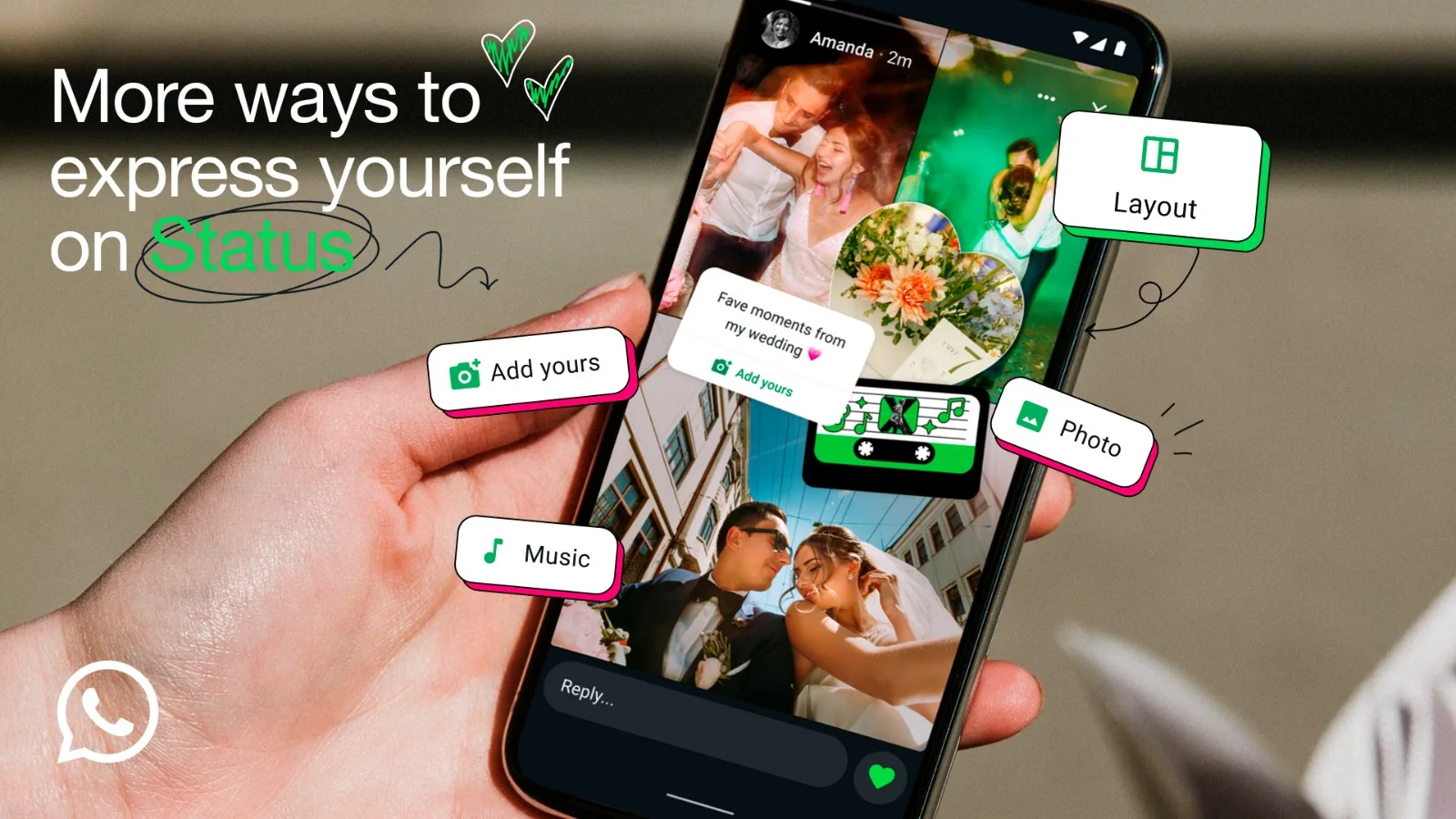
7. Flash Sales, Fast Decisions: Use Status for Limited-Time Ramadan Offers Customers in Pakistan especially love Status. Use it to create urgency and excitement by sharing limited-time discounts or last-minute Iftar bundles, driving faster purchase decisions.
8. Attract More Customers with Click-to-WhatsApp Ads Don’t just generate chats; drive revenue. Utilize Ads that Click to WhatsApp to find high-potential customers on Facebook and Instagram, turning ad spend into direct, measurable sales this Ramadan.
9. Drive Authority and Trust with Meta Verified Build confidence and authority with new audiences this Ramadan with a Meta Verified subscription. It not only safeguards your brand against impersonation but also unlocks essential advertising and engagement tools. The verified badge can be prominently displayed across your call tabs, business profile, and context cards, instantly reassuring customers.
10. Scale Your Reach: Re-Engage Audiences with Business Broadcasts As your business scales, leverage the power of Business Broadcasts to send messages to multiple customers simultaneously. This capability efficiently re-engages your audience, improving message response rates and strengthening customer relationships.
BingX, a leading cryptocurrency exchange and Web3-AI company, today announced the launch of BingX AI…
Four ambulances from a Jewish community organization were set ablaze overnight in Golders Green. The…
Bilawal Bhutto Zardari and Faryal Talpur met with Larkana Mayor Anwar Ali Nawaz Luhar at…
Western Weather System Expected March 25-28 A western weather system is expected to impact the…
A plane carrying dozens of passengers collided with a fire truck at New York's LaGuardia…
Pakistan, March 11, 2026 – AlphaX, a high performance on-chain cryptocurrency exchange committed to delivering…
This website uses cookies.
